Here's how it works

Share info about your brand with your customers. Describe a product, announce something, or welcome customers.

Scan cards

Hold the card in front of the camera – usually, the app recognizes it directly and suggests it for selection. German, English, and Japanese. If it doesn't work, search by name.

Organize collection

Folders like in a real binder: Master Set, Complete Set, Trade Binder, Personal Collection. You track condition from Mint to Poor, quantity and doubles for each card.

Swap Check

Weigh both sides of a swap and see with a traffic light system if it works out. Completed swaps end up in the history and can be undone.

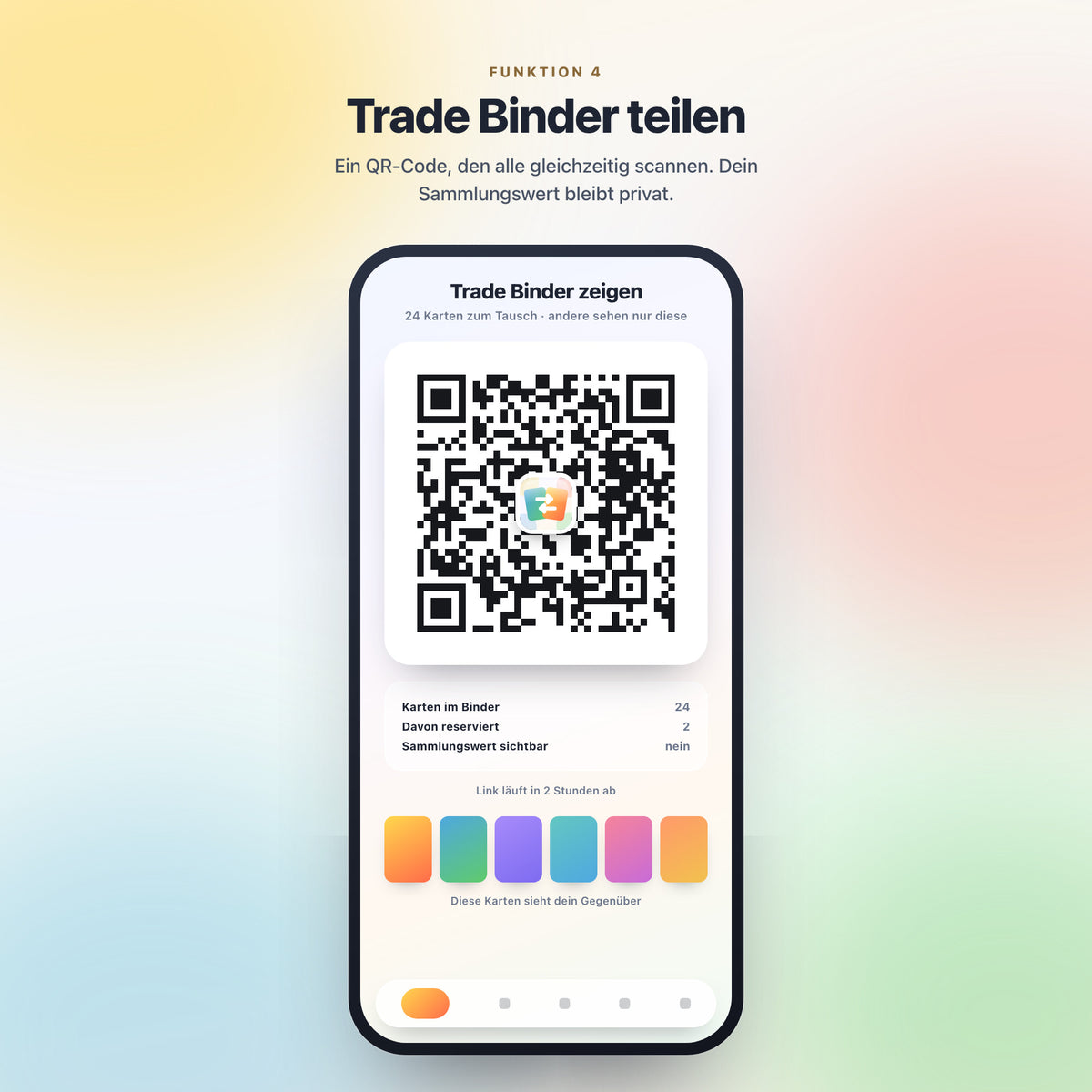
Share Trade Binder

A QR code that all interested parties can scan simultaneously. They will only see your trade cards, not your collection value. The link expires after two hours.

  • Ready to use immediately

    No account, no registration, no App Store. Open the link, enter the key, and get started.

  • Pay once

    No subscription, no ads, no recurring costs. Future updates are included.

  • Everything stays with you

    Your collection is on your device, not on a server. No one else sees what you own.

  • Also offline

    You can view your collection offline. You only need the internet to search for new cards and for updated prices.

Frequently Asked Questions

On which devices does JUKISWAP run?

On iPhones, Android phones, tablets, and computers – wherever a modern browser is running. No app store is needed: you open app.jukiswap.ch, add the app to your home screen, and from then on it behaves like any other app. The app will guide you through the initial setup.

How do I get the app after purchase?

Immediately after purchase, you will receive an email with the link to the app and your personal license code. Open the app, enter the code – done. No account, no password, no subscription.

Can I use the app on multiple devices?

Yes, on all devices you own – the link and code work multiple times. Please note, however: The collection is stored on the respective device. It does not automatically transfer; instead, you need to create a backup file in the settings and load it on the other device.

Does the scanner recognize every card?

The vast majority – the scanner reads the card number and finds the card in the database, in German, English, and Japanese. For worn cards, poor lighting, or reflections on foil, it helps to move closer or briefly enter the number manually. Sealed products such as displays, ETBs, and tins are recorded directly from a list.

Where do the prices come from?

From Cardmarket, the largest European marketplace, converted to Swiss francs at the daily exchange rate. These are guidelines, not guarantees – the actual value of a card is determined during the trade. There is no public database for sealed products; you enter the value yourself, and the app displays it separately.

What if something doesn't work?

Write to manuel@manumo-photography.com – preferably with a screenshot and the device you are using. The app is constantly being improved; updates will come automatically the next time you open it. In the settings, you can see which version is currently running at the bottom.

What happens to my data?

They remain on your device. There is no account or server where your collection would be stored. This also means: If you clear your browser's cache, your collection is gone. So, make a backup once in a while – it only takes two seconds. The only exception: A very large Trade Binder is stored as a list of card numbers for the selected period, so that a single QR code is sufficient – without values, without the collection.

Ready for your collection?

One-time payment, no running costs. After purchase, your license key will be sent via email – open the link, enter the key, and get started.